Instructions
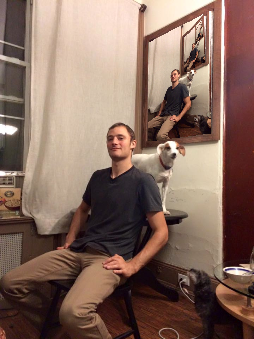
- Click "Upload" to upload a photo.
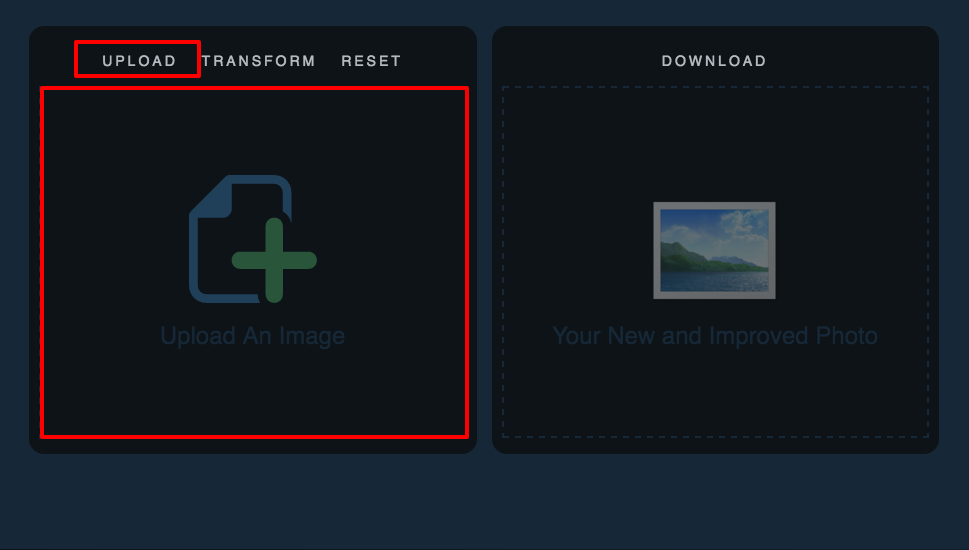
- We need to select an area in the photo to "draw" onto.
- Click anywhere on the photo to draw the first point. We will draw a total of four.
- ALWAYS START WITH THE TOP LEFT AND MOVE COUNTER-CLOCKWISE. In this example, we start with the top-left corner of
the painting and move counter-clockwise...
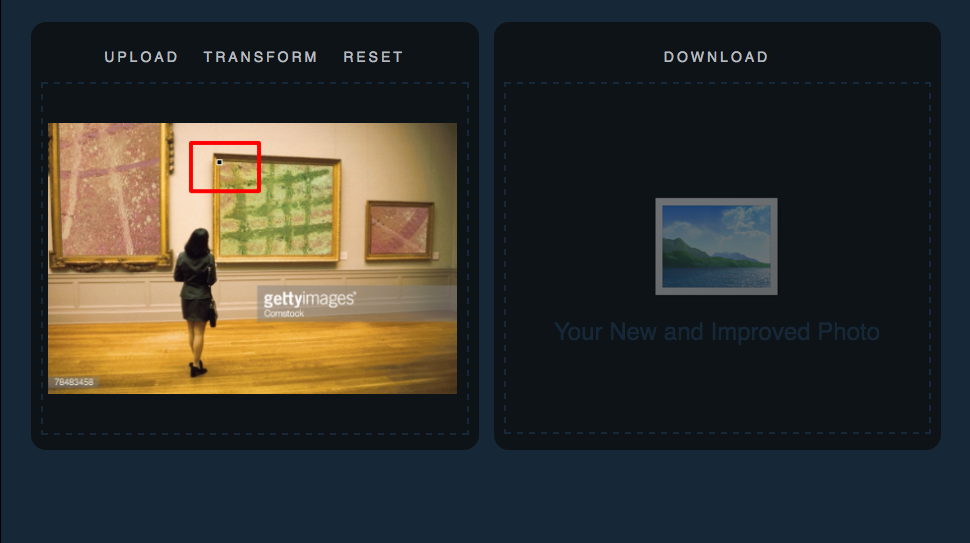
- Bottom-left comes next...
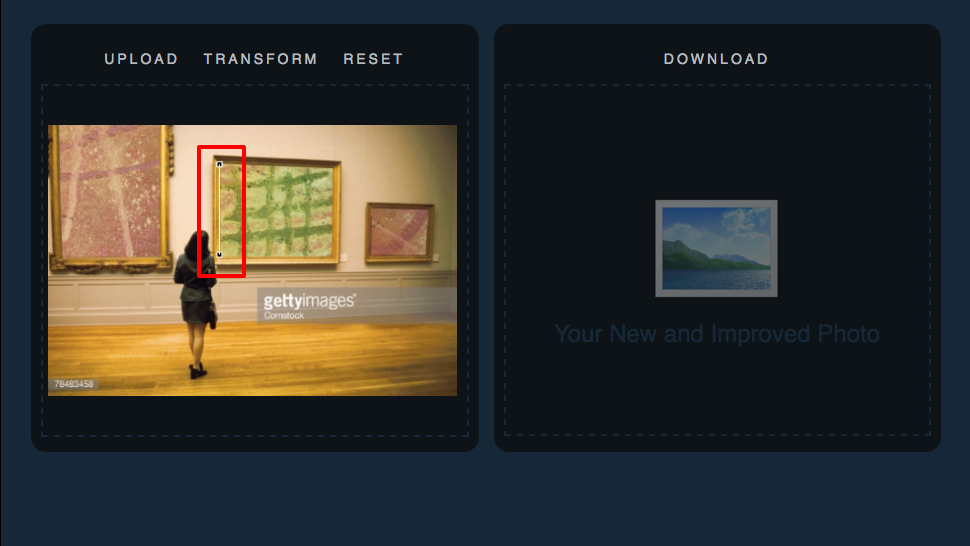
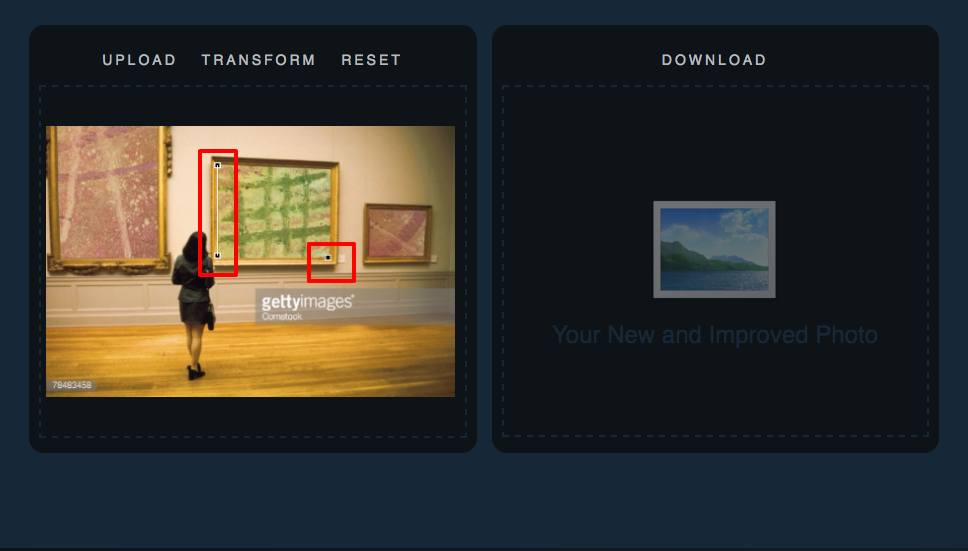
- ...And finally the top-right.
- When we draw all four points, you will notice two new features on the photo. You will see a grid in the area where
you drew the four points, and also a new box to drag around...
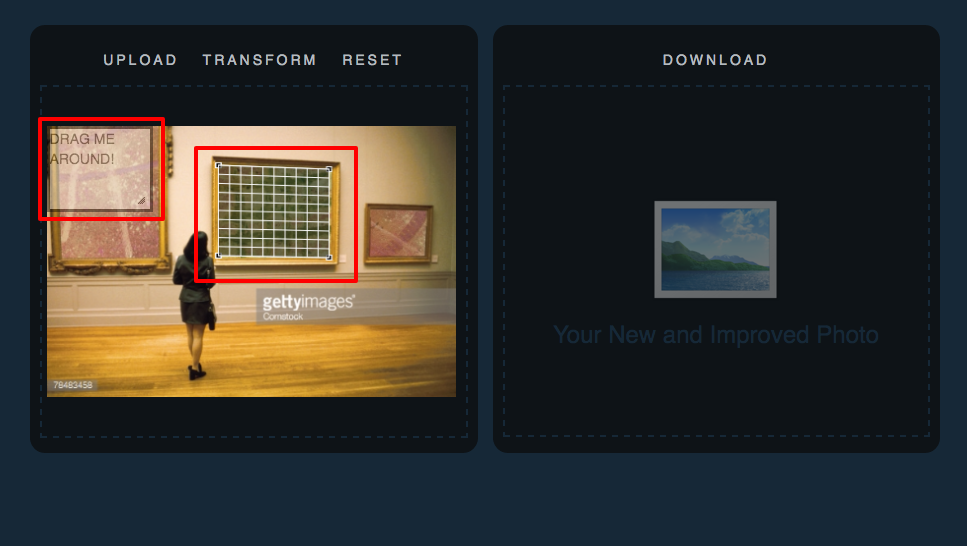
- We will use the clear black box that appears to select the area that we want to capture.
- We can resize it...
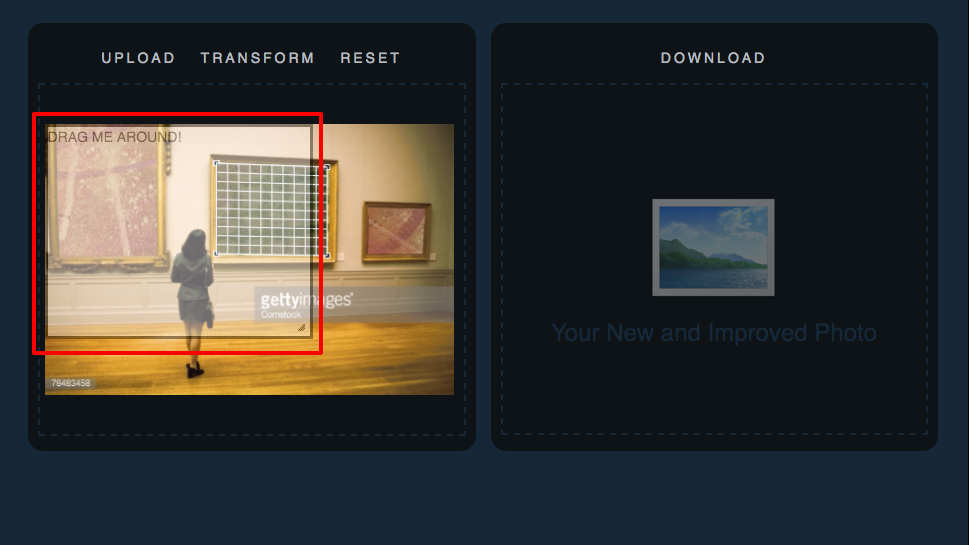
- ...and drag it around.
- To get the infinty effect, make sure the clear black box and the grid overlap.
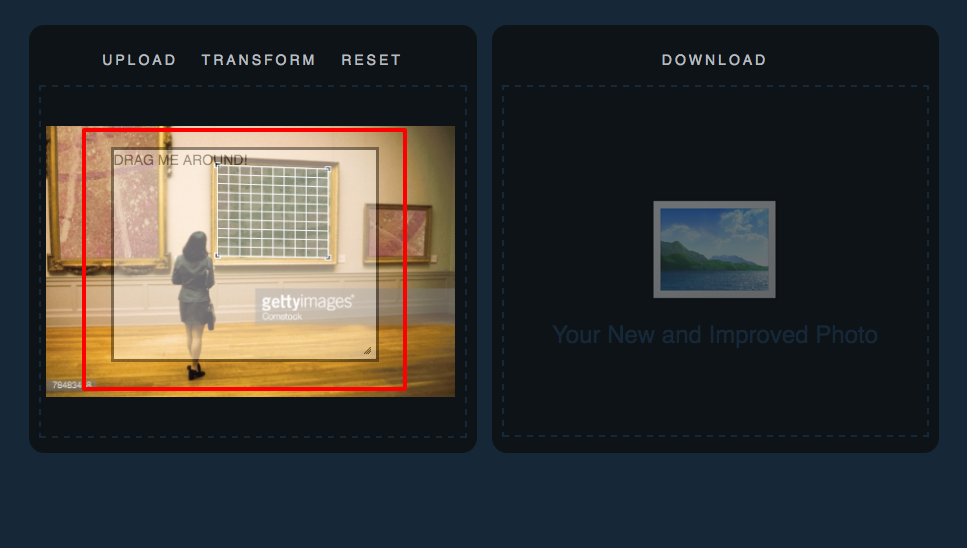
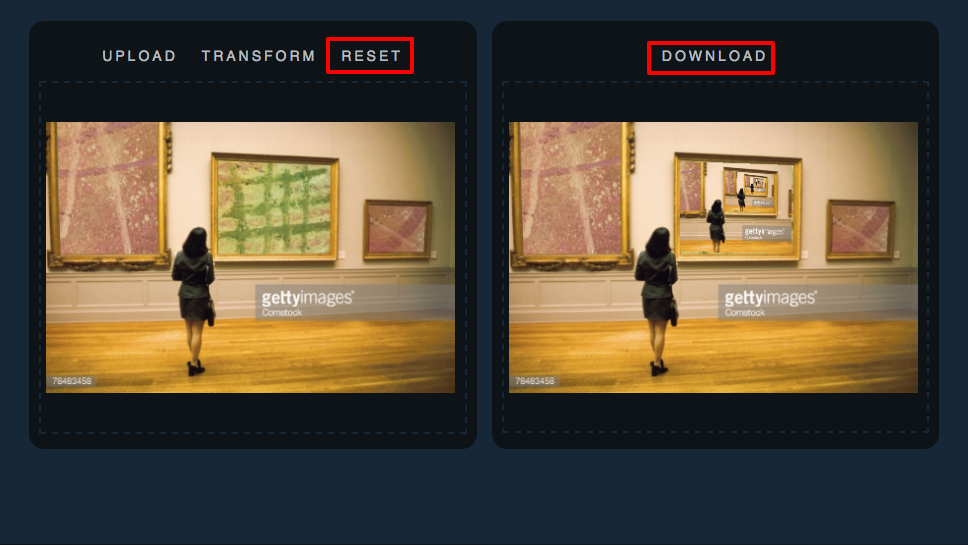
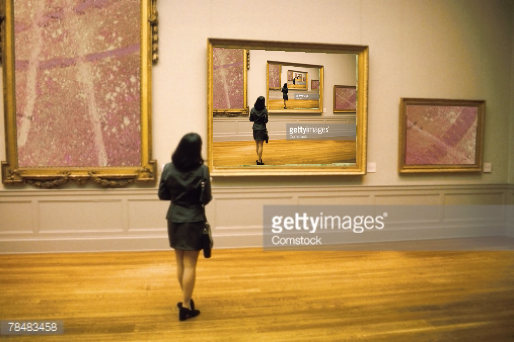
- Once we have the clear black box in place, we hit the "Transform" button. The new image will appear on the right.
- Click "Download" to save the new image, or click "Reset" to try again!